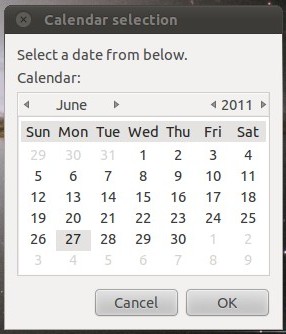
Here is an image of the dialog box. I did not change the dialog string, but could. I just let the defaults be as they are because the behavior is to select today's date. One could select another date on the calendar and the file touched would get that date.
A varient of this is to touch a file with an extension, which is why the zenity command is quoted because the touch command would get the date string appended with the file extension. One could copy an HTML template to the date named with the extension.
